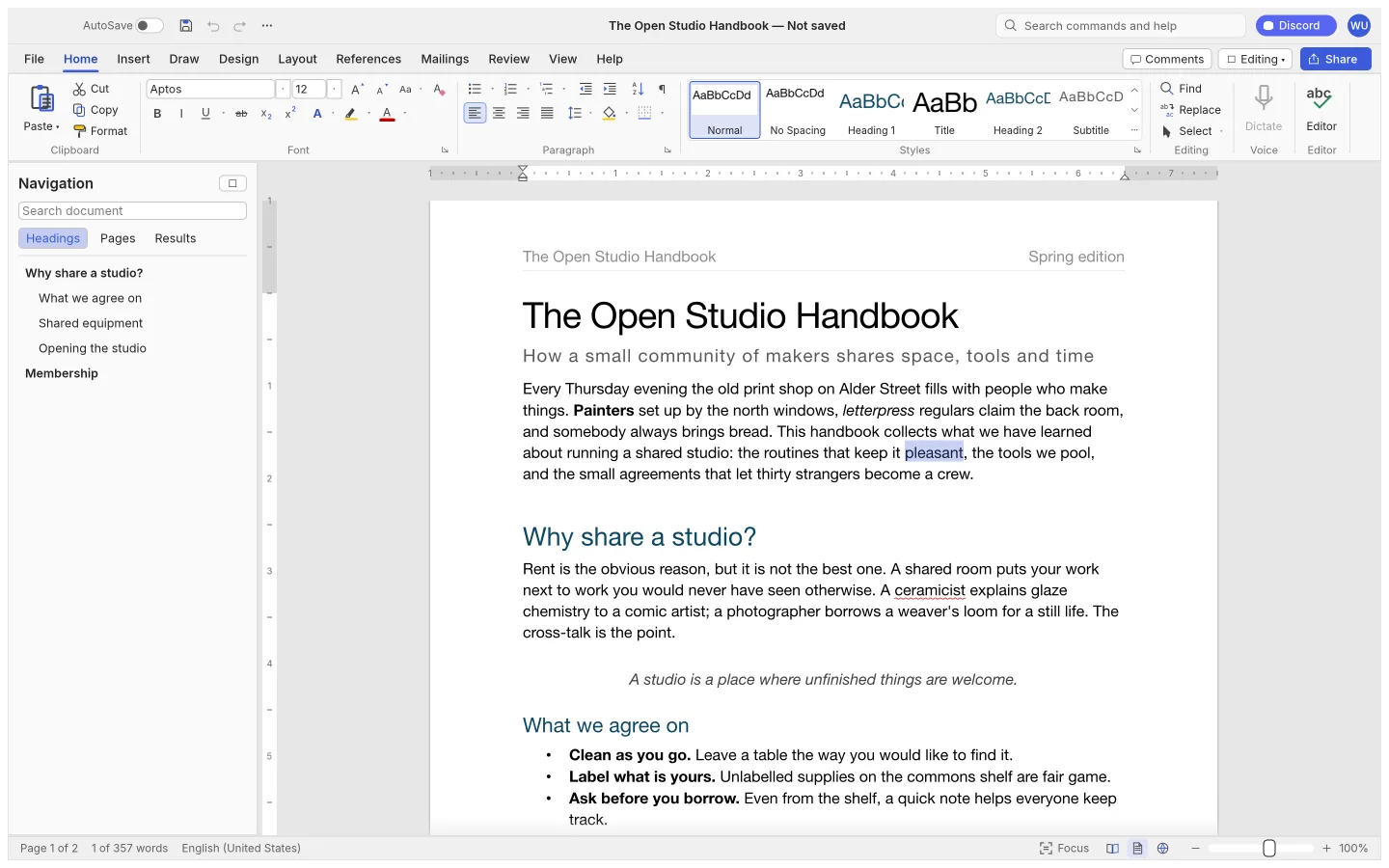
What is WordCraft
WordCraft is an open-source word processor from the ArtCraft team. It follows a document-centered workflow for writing, formatting and reviewing text, with native and browser builds from the same Rust codebase.
Source code is published under MIT or Apache-2.0. The app and its bundled assets have their own notices; this independent site keeps the upstream web build unchanged.
Source: WordCraft repository · Checked 2026-10-16.
How to use WordCraft online
Start a document
Create a new document or open a supported local file in the browser editor.
Write and format
Add a heading, body text and any required formatting before testing a more complicated layout.
Download your work
Save the editable document and reopen the downloaded file to confirm its content and layout.
Make room for the work
Write with structure
Organize a document with headings and paragraph formatting so its structure remains understandable beyond a single page.
Check page layout
Work with text and page settings, then inspect how the layout behaves with your actual fonts and document content.
Keep a portable copy
Save frequently and test the formats available in the release. Verify the result in the app where the document will be read or printed.
What you can and cannot do yet
Use the features above as a starting point. Keep these limits in view:
- Complex Word documents, macros, fields and external integrations need individual compatibility testing.
- Font substitution can change line breaks and pagination across operating systems.
- The site does not keep a cloud document history or backup.