Use FigCraft online right now
Explore the FigCraft browser preview. Check the limits below before starting your own project.
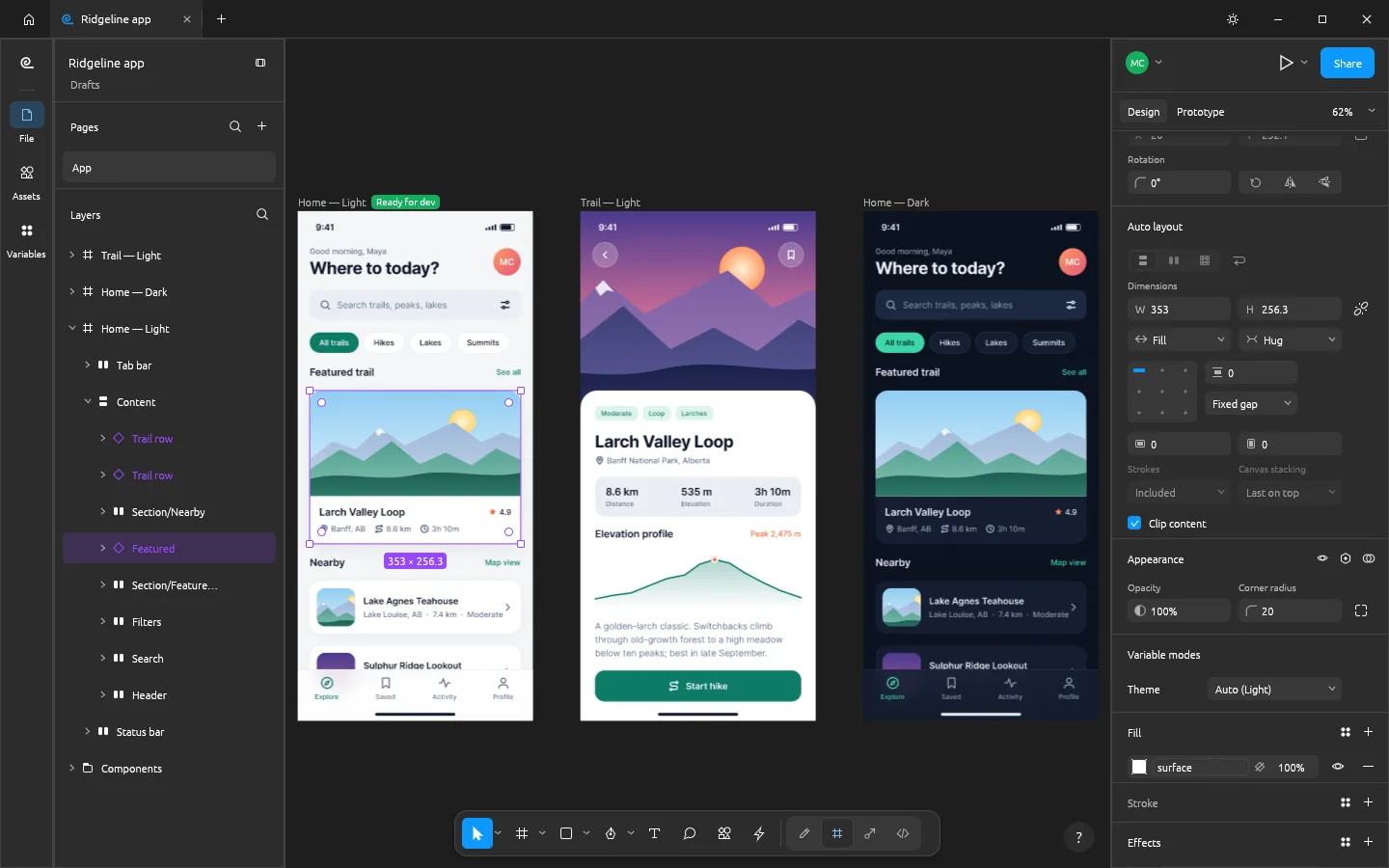
Your workspace is ready to launch.
The editor loads when you choose to open it.
Use a desktop browser for the best working space.
Upstream web archive: 8.5 MiB. First load may take a moment.
Opening FigCraft
The browser is downloading and starting the editor.
The editor needs another try.
Try a desktop buildExplore the browser preview
Create a new design and explore the canvas. Native file dialogs are not connected in this release; use the desktop app for opening and saving your own project files.
Keep the limitations in view
FigCraft is evolving software. Browser features and format support can differ from the desktop build. Read the current limitations.
Know what you are running
Unmodified upstream release v0.6.0, with retained licenses and attribution. This website is independent of ArtCraft.
FAQ
A few things to know before you start.
Why does the first launch take a moment?
The browser downloads the editor's JavaScript and WebAssembly files before it starts. Later launches can use the browser cache. The guide page itself does not load the editor until you choose Launch.
How do I keep my work?
This release is a browser preview with incomplete file actions. Use the upstream desktop build when you need to import, save and reopen your own projects. Do not rely on this preview as the only copy of important work.
What if the editor does not start?
Try an up-to-date desktop browser, check that graphics acceleration is enabled, then use Retry or Open in a full tab. If it still fails, the upstream release page provides desktop builds. Browser and GPU compatibility varies.