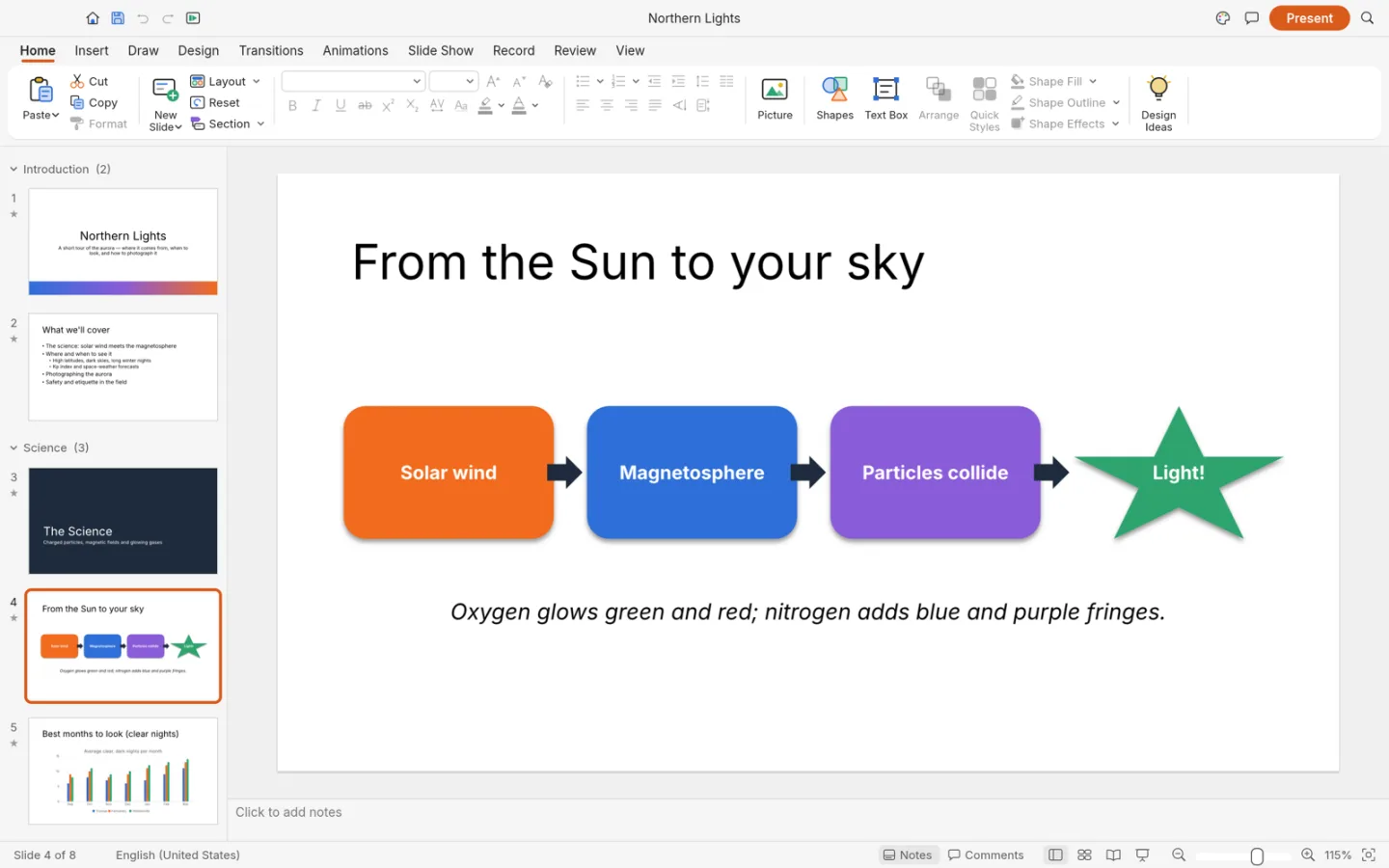
What is DeckCraft
DeckCraft is ArtCraft's open-source presentation app. Build slides from text, shapes and images, organize the story, and test the saved deck on the device that will present it.
Source code is published under MIT or Apache-2.0. The app and its bundled assets have their own notices; this independent site keeps the upstream web build unchanged.
Source: DeckCraft repository · Checked 2026-10-16.
How to use DeckCraft online
Create three test slides
Start with a title, a content slide and a closing slide.
Build the layout
Add text, shapes or images and inspect the slide at presentation scale.
Save and rehearse
Download the deck and reopen it on the device or application you plan to use.
Make room for the work
Make the story visible
Create a small set of slides with one point per slide. Use the slide overview to assess pacing before adding decoration.
Arrange the details
Combine text, shapes and images. Check alignment and text overflow at the size your audience will see.
Rehearse the real result
Save the deck and test it on the presentation device. Fonts, transitions and imported features can behave differently across apps.
What you can and cannot do yet
Use the features above as a starting point. Keep these limits in view:
- PowerPoint animations, embedded media, fonts and complex layouts need compatibility checks.
- A slide preview does not guarantee identical rendering on another machine.
- Keep a local copy and an appropriate fallback export for a live presentation.