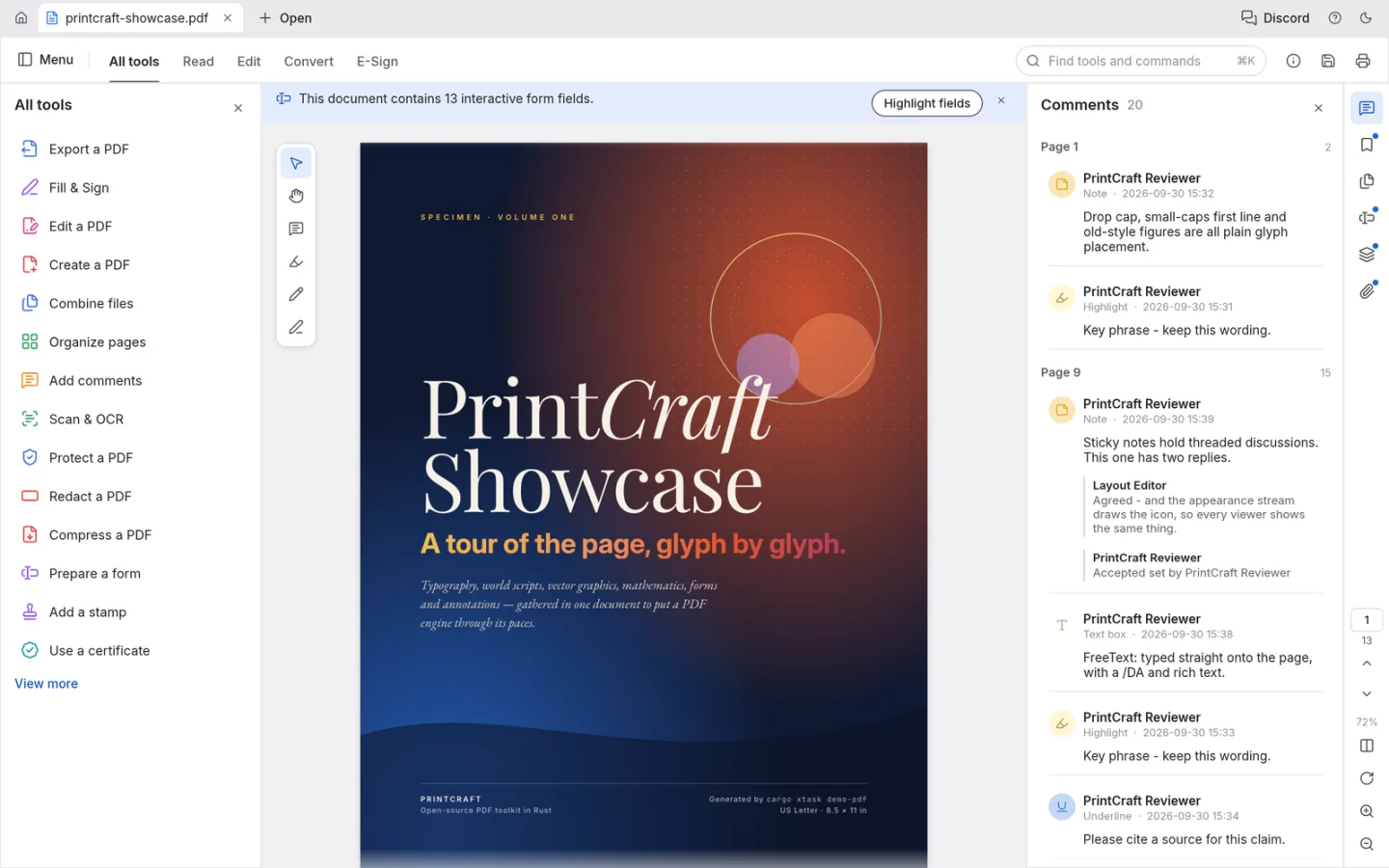
What is PdfCraft
PdfCraft is ArtCraft's open-source PDF reader and editor. Use it to inspect a document and explore annotation, page and editing tools, while treating advanced PDF workflows as separate compatibility checks.
Source code is published under MIT or Apache-2.0. The app and its bundled assets have their own notices; this independent site keeps the upstream web build unchanged.
Source: PdfCraft repository · Checked 2026-10-16.
How to use PdfCraft online
Open a copy of a PDF
Launch the app and use Open to select a local document. Keep an untouched original.
Read or annotate
Navigate the pages and try a small annotation or supported edit.
Save and reopen
Download the result and inspect it in your usual PDF viewer before sharing it.
Make room for the work
Read with context
Open a PDF and navigate its pages before changing anything. Inspect the layout and text rendering of a representative document.
Add review notes
Use the available annotation and comment tools to review a copy. Reopen the saved PDF to confirm that the intended notes remain visible.
Know the document limits
PDF editing depends on the file's structure, fonts and scripts. Validate a small change before attempting a long or sensitive document.
What you can and cannot do yet
Use the features above as a starting point. Keep these limits in view:
- Upstream identifies gaps in reliable editing of existing text, especially CJK and right-to-left text.
- Do not assume complete OCR, PDF/X, PDF/UA, signature, XFA or Office conversion support.
- Printing and physical printer fidelity are distinct limitations; use a tested viewer for final printing.