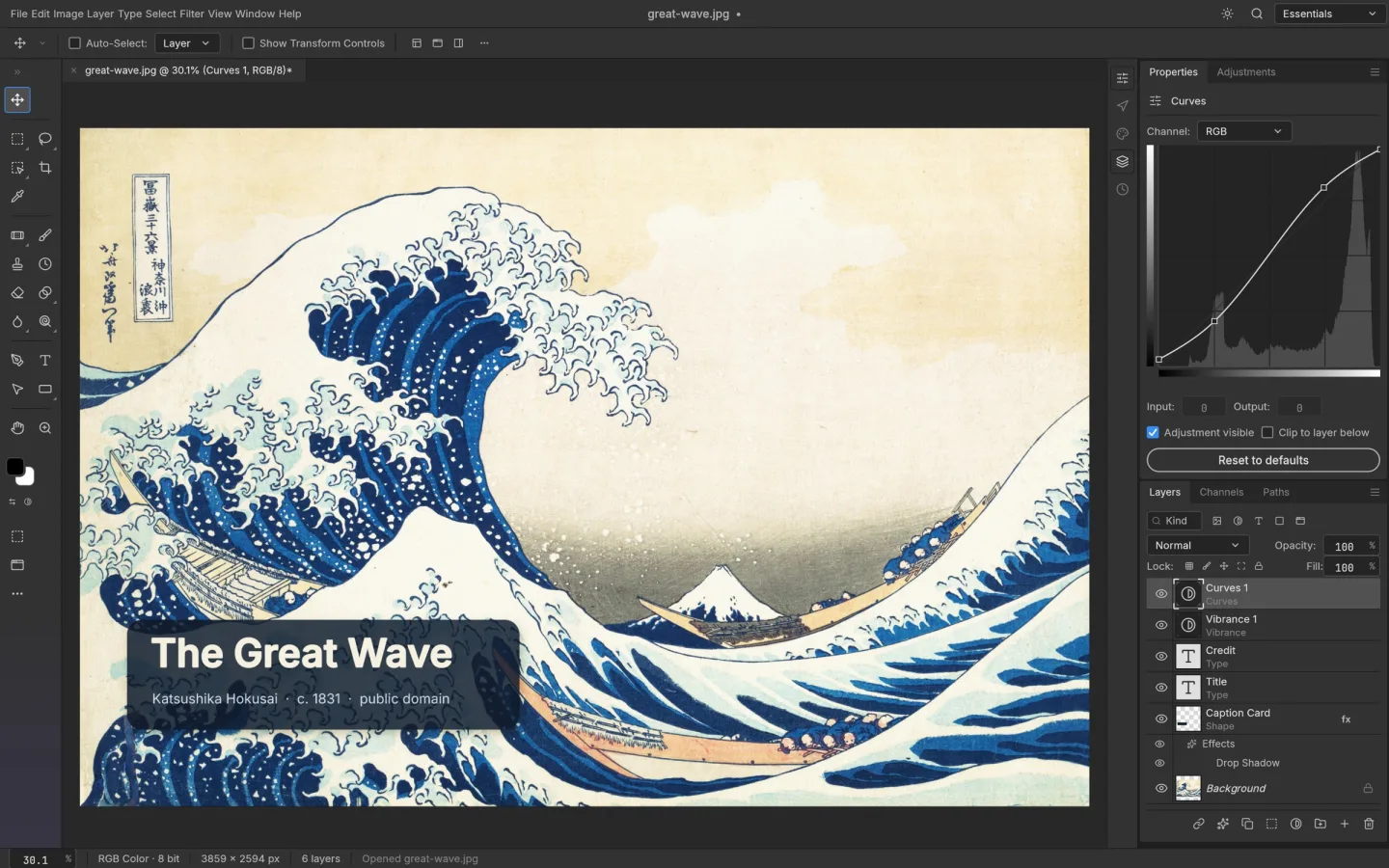
Why consider PhotoCraft?
PhotoCraft offers public source code, a native desktop option, and a browser build you can try without installing anything. Its layered workflow includes masks, adjustments, type and brushes. This website hosts an unmodified upstream browser release.
Make the choice around a real file
List what your project needs
Include file types, fonts, layer effects and the format you must deliver.
Try a duplicate in both editors
Inspect the layers and rendering, make a small change, then export or save.
Reopen the output
Check the saved result in its destination application. Keep an established editor available if a feature or file does not work.
The tradeoff is maturity
The upstream team calls PhotoCraft early alpha. It is worth exploring alongside your current workflow, especially when source availability matters. It is not a promise that every Photopea feature or PSD will behave identically.
See PhotoCraft vs Photopea for sources and details