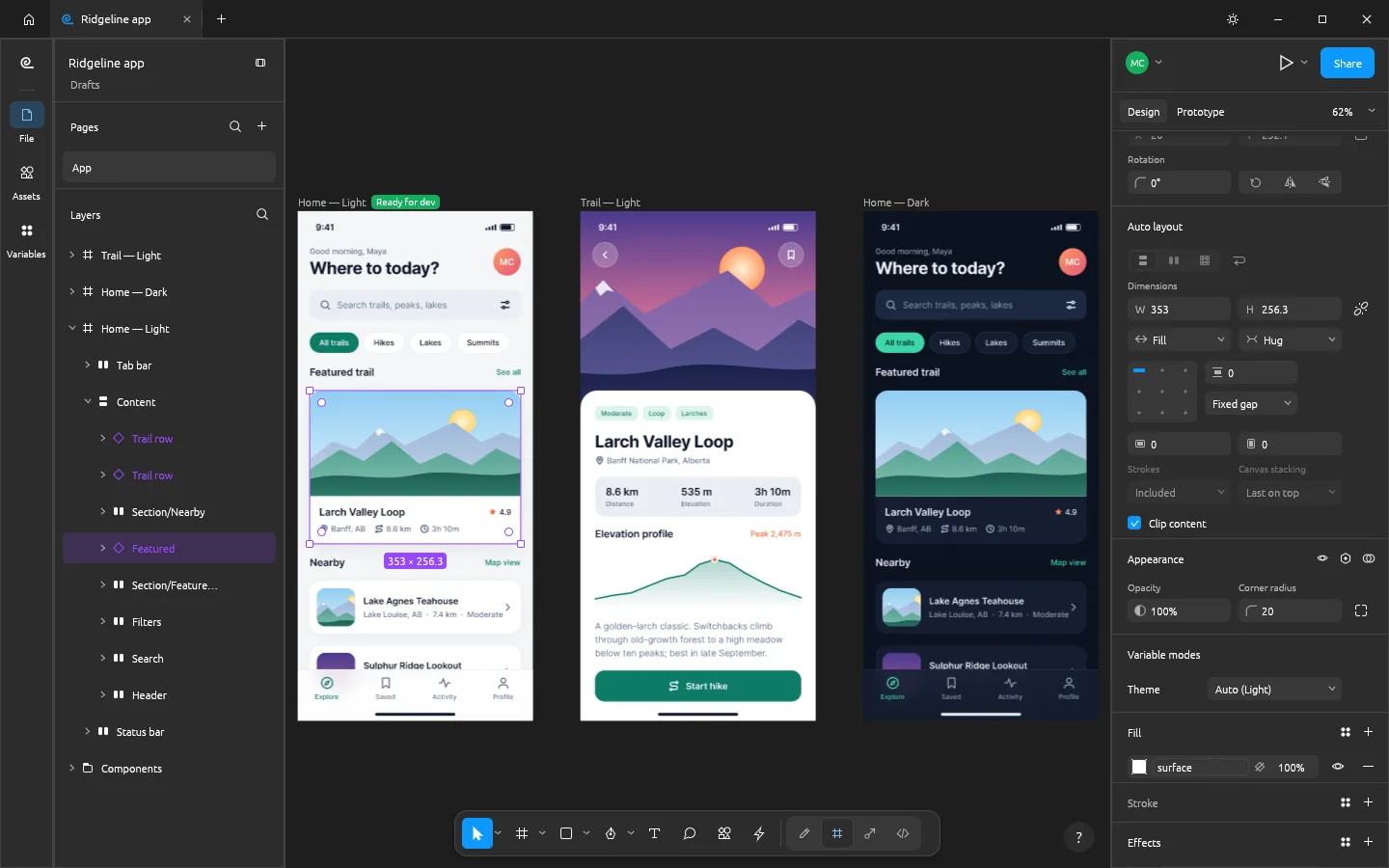
What is FigCraft
FigCraft is the ArtCraft team's open-source interface design and prototyping app. Work with frames, vector shapes, text, auto layout and components in a native app or a browser build.
Source code is published under MIT or Apache-2.0. The app and its bundled assets have their own notices; this independent site keeps the upstream web build unchanged.
Source: FigCraft repository · Checked 2026-10-16.
How to use FigCraft online
Make a first screen
Launch FigCraft and start a local design document with one frame.
Add structure and reuse
Add text and shapes, try an auto-layout group, and reuse a component in another screen.
Use desktop for project files
Opening and saving through native file dialogs are not connected in this browser release. Use an upstream desktop build for a project you need to keep.
Make room for the work
Start with a frame
Arrange text, shapes and images into a screen. Use auto layout to explore how the composition responds when its content changes.
Reuse a component
Build repeated interface elements as components. Test a small component and its instances before bringing over an entire design system.
Connect the idea
Connect a small prototype to explore the interaction. The browser release is a canvas preview; use the native app when you need a project file you can save and reopen.
FigCraft vs Figma
FigCraft offers public source code and a local-file workflow. Figma offers an established hosted team workspace. Best-effort .fig import and preview collaboration need careful testing.
Read the FigCraft vs Figma comparisonWhat you can and cannot do yet
Use the features above as a starting point. Keep these limits in view:
- The pinned browser release starts a new document, but its native file dialogs are not wired. Treat it as a canvas preview; use desktop for project file import and saving.
- FigCraft is alpha software. Upstream describes .fig import as best effort, so verify the imported result.
- Upstream collaboration is a preview requiring a sharing session or server. This website does not provide a multiplayer backend.
- Figma plugins, libraries, handoff and organization workflows should not be assumed to transfer unchanged.