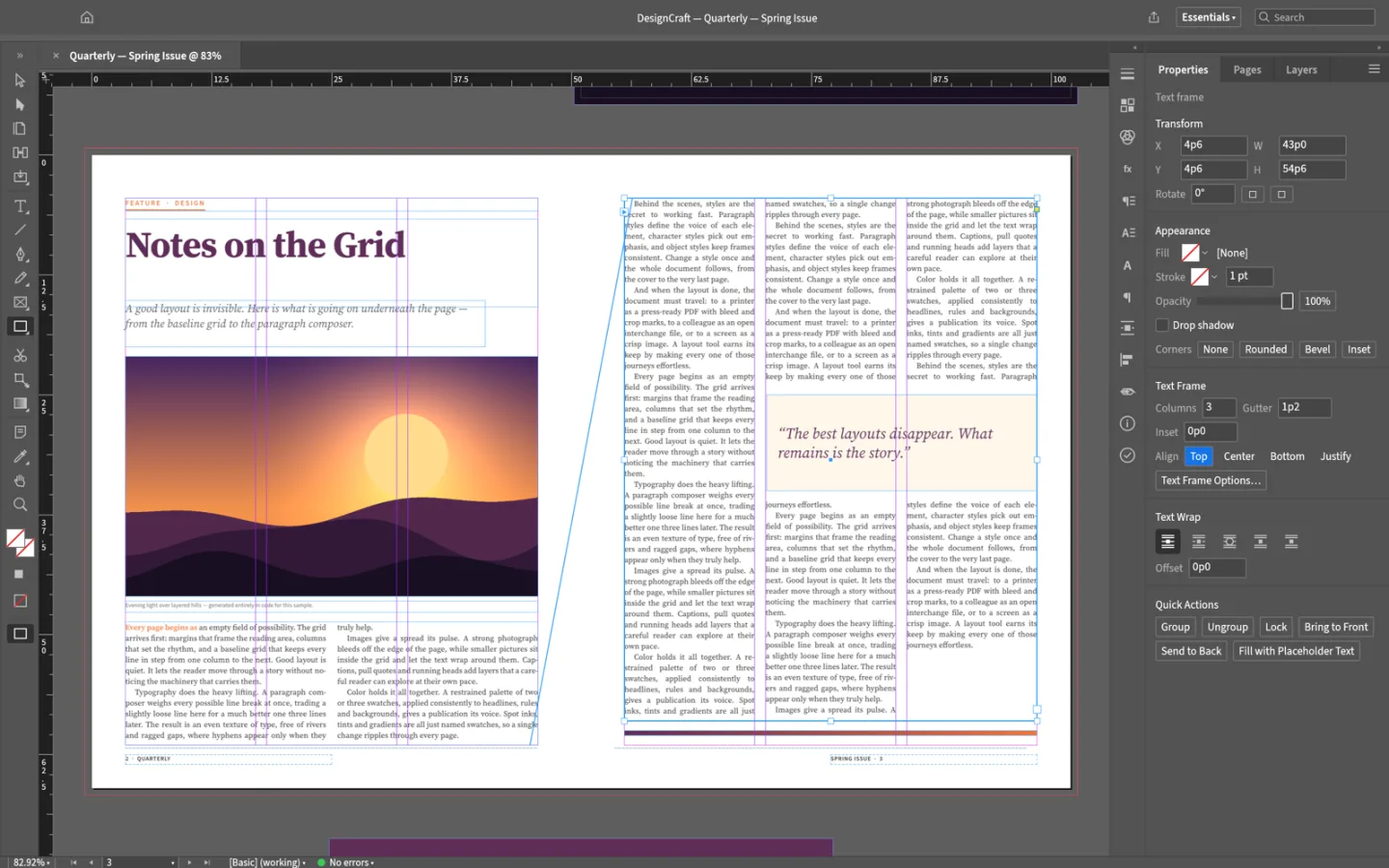
What is DesignCraft
DesignCraft is ArtCraft's open-source page layout and publishing app. Build a document from text and image frames, organize its pages, and test a small publication before taking on a larger production workflow.
Source code is published under MIT or Apache-2.0. The app and its bundled assets have their own notices; this independent site keeps the upstream web build unchanged.
Source: DesignCraft repository · Checked 2026-10-16.
How to use DesignCraft online
Set up a short document
Choose a page size and create a small test publication in the browser build.
Place text and images
Arrange frames, format the text and inspect any overflow or unexpected reflow.
Save and proof the result
Download the project and a test export. Check page geometry, text and images before expanding the document.
Make room for the work
Compose a page
Arrange text and image frames into a clear hierarchy. Begin with a simple page before adding spreads or longer stories.
Build readable typography
Refine text formatting and the flow of a story. Inspect line breaks, font substitution and overflow as the layout changes.
Proof before publication
Save the project and inspect a small exported sample. Print production requirements should be validated in your established workflow.
What you can and cannot do yet
Use the features above as a starting point. Keep these limits in view:
- Do not assume that complex InDesign projects, plugins or publishing automation can be transferred unchanged.
- Fonts, color handling and print output need independent proofing.
- This evolving editor should be tested on a small document before a print deadline.