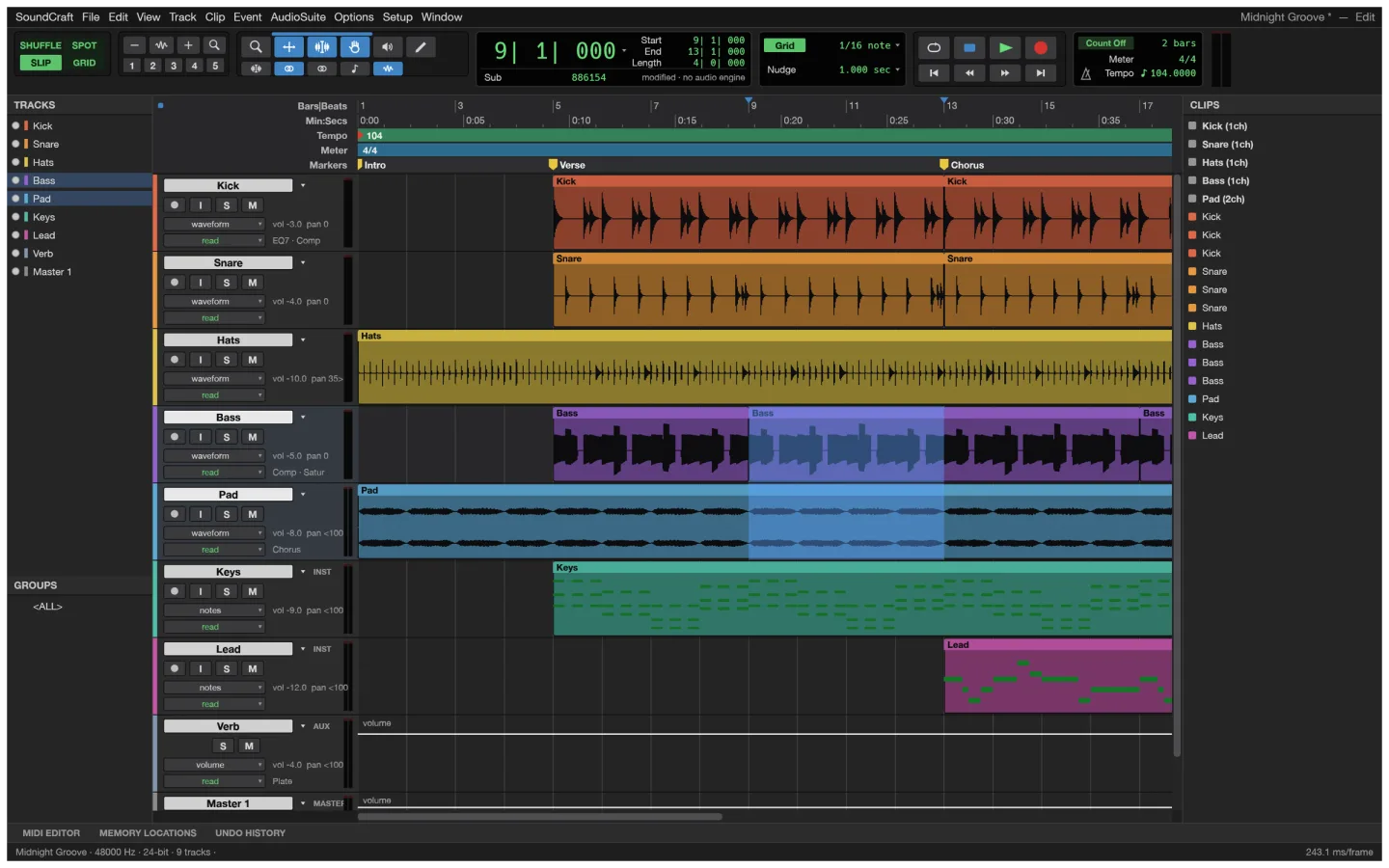
What is SoundCraft
SoundCraft is ArtCraft’s open-source audio workstation. The native app targets multitrack editing, mixing and recording. This pinned browser build opens a synthesized demo session and does not provide recording or native file dialogs.
Source code is published under MIT or Apache-2.0. The app and its bundled assets have their own notices; this independent site keeps the upstream web build unchanged.
Source: SoundCraft repository · Checked 2026-10-16.
How to use SoundCraft online
Launch the demo session
The browser build opens a synthesized session. It does not provide native file dialogs for opening your own audio files.
Try playback and the mixer
Click or press a key inside the app before starting playback if the browser needs an audio gesture. Keep your listening volume comfortable.
Use desktop for your own session
Choose an upstream desktop build when you need to import files, record audio and save a project.
Make room for the work
Lay out the session
Work with a small group of tracks so timing and arrangement are clear before adding a more complex mix.
Listen in context
Adjust levels and use the available mixer controls while listening to the relationship between tracks.
Choose the right environment
The browser demo is for exploring a session and playback. Recording and native file dialogs require the desktop app in this release.
What you can and cannot do yet
Use the features above as a starting point. Keep these limits in view:
- This browser release opens a synthesized demo session; recording and native file dialogs are not implemented.
- Native audio plugins and professional audio hardware should be evaluated in the desktop app.
- Browser audio may need a click inside the app before playback can start. Device and session performance vary.