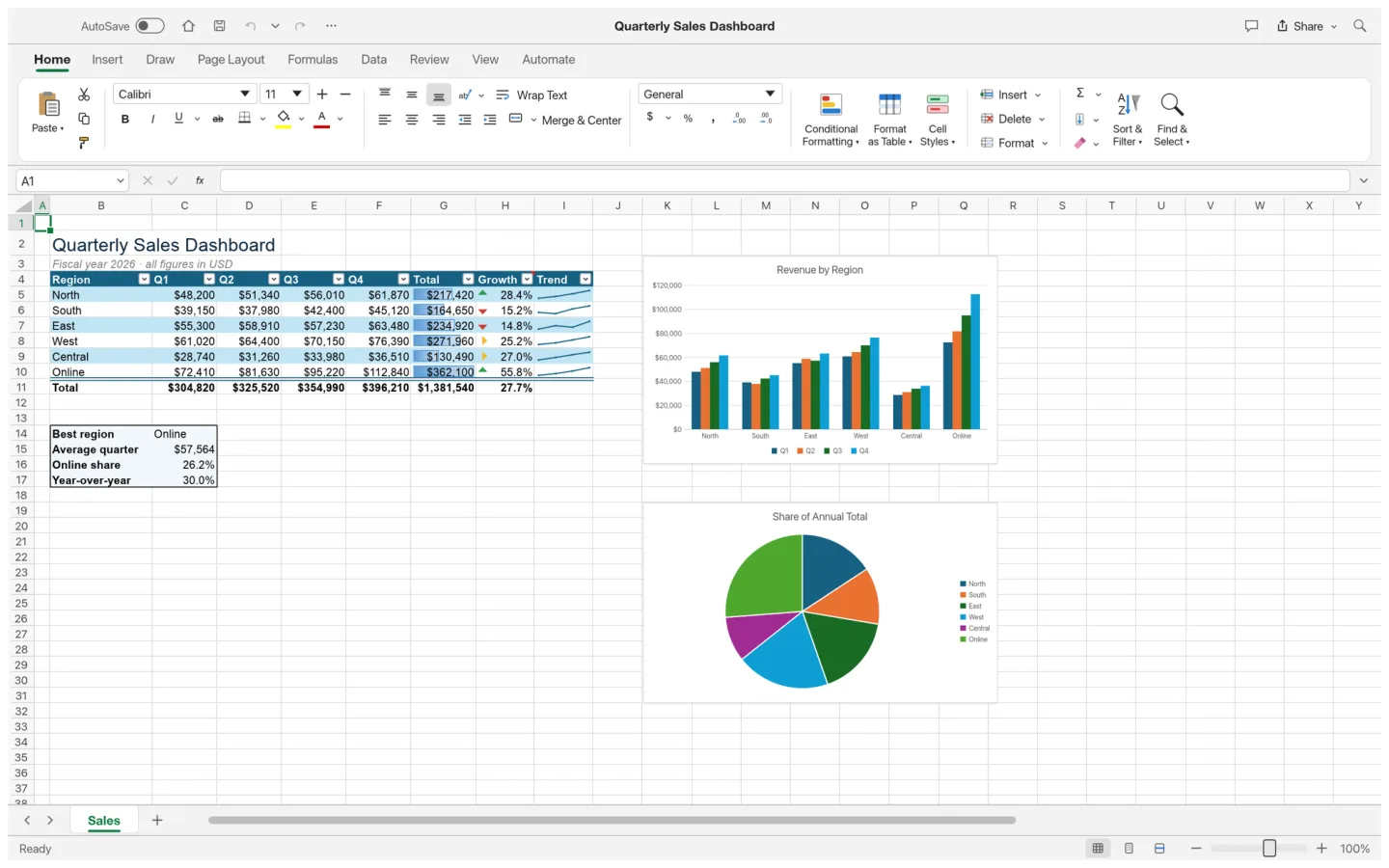
What is GridCraft
GridCraft is ArtCraft's open-source spreadsheet app. Build a small workbook, use formulas and formatting to understand the data, and check calculations and charts before relying on imported business files.
Source code is published under MIT or Apache-2.0. The app and its bundled assets have their own notices; this independent site keeps the upstream web build unchanged.
Source: GridCraft repository · Checked 2026-10-16.
How to use GridCraft online
Create a test workbook
Start with a few rows, clear column labels and a known total.
Add formulas and formatting
Try the functions your work requires and inspect references, rounding and error values.
Save and cross-check
Download a workbook and reopen it in your destination spreadsheet app to check calculations and charts.
Make room for the work
Organize the numbers
Arrange a clear table with labels and appropriate number formats. Start with a small dataset whose expected results you already know.
Test the calculation
Use formulas to connect the data, then compare a few totals against an independently checked result.
See the pattern
Add a chart when it answers a question. Verify its data range and labels before treating the visual as a decision aid.
What you can and cannot do yet
Use the features above as a starting point. Keep these limits in view:
- Excel macros, add-ins, data connections and advanced workbook behavior are not assumed to be compatible.
- Formula names alone do not guarantee identical numerical or date behavior. Validate important calculations.
- Use copies when importing business workbooks and keep a known-good original.